A story may appear as a web novel, webtoon, print book, drama, or stage production under the same or a slightly changed title. Search results can also mix these versions with unrelated works that share the same name. To identify the correct edition, check three things together: its format, creator credits, and original publication information. This prevents readers from unlocking the wrong chapters or mistaking an adaptation for the source work.
How to Tell if You Are Reading a Webtoon or a Web Novel?
Start by inspecting how the work is presented.
Webtoon (Digital Vertical Comic): A webtoon uses sequential artwork, often in a vertical-scroll layout designed for phones. WEBTOON describes the format as vertical-scrolling digital comics. Color is common but not compulsory; some digital comics use monochrome art or other layouts.
Web Novel & Chat Novel:
Traditional Web Novel: The main content is prose divided into chapters or episodes. It may include a cover artist or occasional illustrations, so an illustrator credit alone does not make it a webtoon.
Chat Novel: The narrative appears partly or mainly through message bubbles. Joylada’s FAQ distinguishes “Chat” episodes with a bubble icon from “Story” episodes with a pencil icon and notes that both can appear in one work.
Drama / Musical Adaptation: Screen and stage versions are normally identified through cast, runtime, broadcaster, production-company, or performance information. An embedded trailer on a novel or comic page does not change the format being sold.
Before spending coins, open a free preview. Continuous illustrated panels indicate a comic; paragraphs of prose indicate a novel; cast and runtime details usually indicate a screen production.
Distinguishing by Author and Illustrator (Identifying Who Created the Original Work)
The rule “one author means novel; author plus artist means webtoon” is unreliable. A novel may list a translator, editor, and cover illustrator. A webtoon may be created by one person or by a studio with separate story, adaptation, art, lettering, and production credits.
The most useful labels are:
Original work by or Original story by: Identifies the creator or source credited for the earlier work.
Adapted by or Story adaptation: Identifies the person converting the source into comic scripts or episodes.
Art by or Illustrator: Identifies the comic artist.
Written by or Author: May refer to the novelist, webtoon writer, or sole creator, depending on the listing.
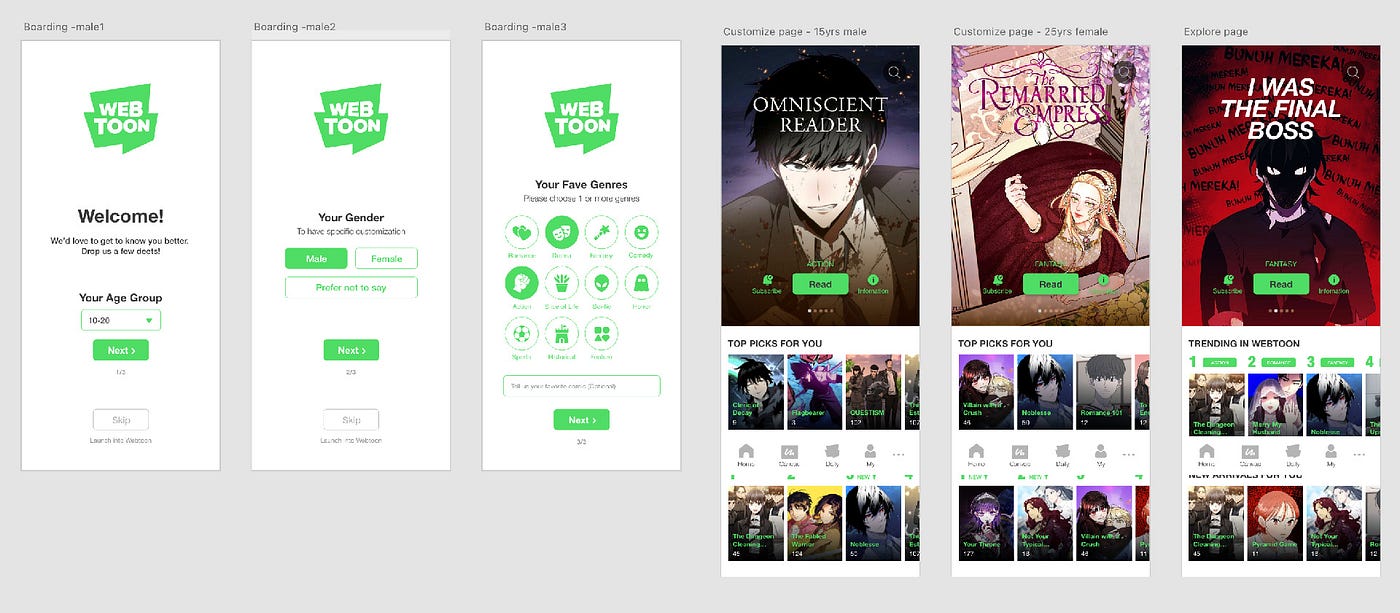
The official WEBTOON page for The Remarried Empress credits SUMPUL for art, HereLee for adaptation, and Alphatart for the original work. These roles identify the page as a comic adaptation rather than the original prose publication.
If a platform does not explain its credits, compare them with the source publisher’s listing before buying.
Distinguishing by Original Work (Identifying Which Came First)
An “original work” field is stronger evidence than a matching title, but it must be combined with publication history.
To trace related versions, use these patterns:
Novel-to-Webtoon Adaptations: Look for “original work by,” “based on the novel,” or a link to the prose edition. RIDI uses novel-origin tags on some webtoon listings, while WEBTOON may separate original-work, adaptation, and art credits.
TV Drama-to-Webtoon Adaptations: Confirm the direction of adaptation through an official publisher, broadcaster, or production announcement. A shared title and similar characters are not enough.
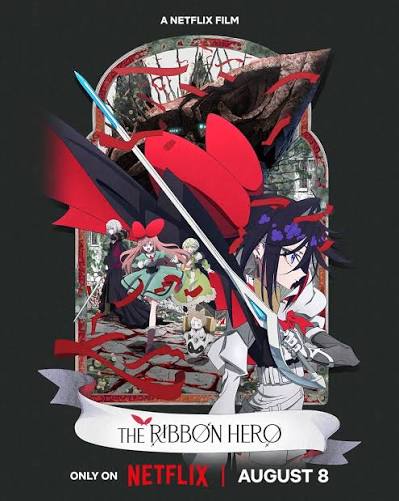
Original Webtoon-to-TV Drama: The official Sweet Home page describes the webtoon as the original story of the Netflix series, showing that the comic preceded that adaptation.
Golden Rule: The earliest date on a local platform may be only that edition’s regional release date. Compare the original-language release, source credit, publisher, and adaptation date rather than relying on one translated listing.
Distinguishing by Distribution Platform and Publisher (Where to Read and Who Owns the Copyright)
Platform names provide clues but do not identify the format by themselves.
Webtoon-Exclusive Platforms (Vertical Digital Comics)
WEBTOON mainly presents comics, webcomics, manga, and manhwa, but individual listings still need to be checked for adaptation credits.
Kakao, RIDI, and similar services may have separate sections for webtoons, web novels, and ebooks. The category on the product page matters more than the company name.
Novel-Exclusive Platforms (Prose & Chat Stories)
The term “novel-exclusive” is also misleading. Tapas officially supports both webcomics and web novels, so a Tapas link alone does not identify the medium.
ReadAWrite presents online fiction and is associated with meb. Joylada describes itself as a Thai chat-novel platform while supporting both Chat and Story episode types.
Copyright & Rights Holder Classification (Publishers)
Rights cannot be determined from a company category alone. A platform may own, license, localize, or merely host a work.
Credit or EntityWhat It Can Tell YouWhat It Does Not ProveOriginal author or rights holderSource creator or rightsholderThat the person created the adaptationAdaptation writer and artistCreators of the webtoon versionOwnership of the original novelDigital platform or local publisherDistributor of that editionOwnership of all rights worldwidePrint publisher or production companyReleaser of a print or screen editionControl of every digital rightWEBTOON states that digital content may be company-owned or licensed from a copyright owner. Its CANVAS guidance says independent creators retain ownership. Tapas also states that independent creators retain ownership, subject to the service license and any additional program terms.
A Fast 3-Step Lookup Guide for Beginners
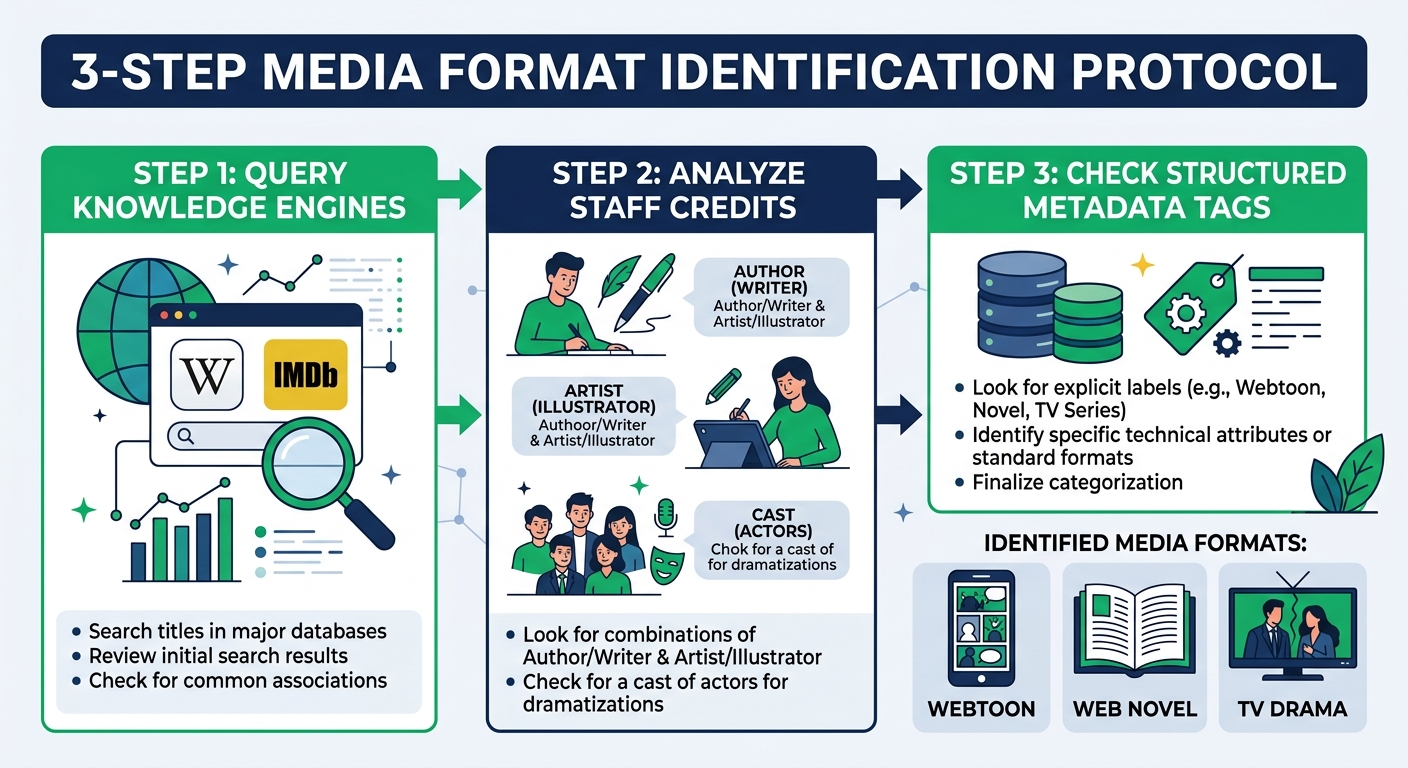
Step 1: Open the Official Regional Listing: Search the title with the platform and language. Confirm the category, preview, maturity rating, creator names, and what each purchase unlocks. “Episode” is not decisive because comics and novels can both be serialized.
Step 2: Analyze Staff & Creator Credits:
If the page lists original work, adapted by, and art by, it is probably an adaptation page.
If the main content is prose, it is a novel even when a cover illustrator is listed.
If it lists cast, broadcaster, or runtime, it is probably a screen production.
If only one creator appears, inspect the preview instead of guessing.
Step 3: Check Publication Information: Record the original-language title, author, publisher, original release date, adaptation label, and regional release date. Fan databases can help locate sources but should not override official credits.
The Hidden Reality of IP Rights: How Contract Terms Change a Work’s Fate
The claim that becoming a platform “Original” normally transfers complete IP ownership and allows unilateral title or content changes is unsupported.
Copyright owners generally control the right to authorize adaptations, but contracts may divide rights by format, language, territory, and term. A webtoon adaptation can involve the novelist, adaptation studio, artist, domestic publisher, and international distributor. The exact allocation depends on their agreements, not the word “Original” on a storefront.
Localized titles may change for translation, marketing, trademark, or catalog reasons. Artwork and content can also differ by edition, but readers should not assume every change happened without the creator’s approval.
Unofficial translations can create additional English titles and spelling variants. Use them as search clues only, then return to the official regional listing before purchasing.
A title alone cannot distinguish a webtoon from a web novel or adaptation. The preview reveals the medium, creator roles identify who made each version, and publication records show how the versions are related. Core Recommendation: Check the preview, complete credits, any “original work” or “adapted by” label, and the original-language publisher and release date before unlocking paid chapters.