An album can disappear from Spotify, Apple Music, or YouTube Music because a distributor submitted a takedown, a distribution plan expired, rights information changed, or a streaming service acted on a policy issue. The release may later return through the same distributor or a different one. A reappearing title does not by itself confirm a distributor change. To determine what happened, compare the recording identifiers, audio, credits, release dates, and supplier information shown before and after the removal.
How to Tell if a Removed Album Has Been Re-Registered Through Another Distributor?
Each sound recording should have an International Standard Recording Code, or ISRC. The code identifies the recording rather than the album product, artwork, distributor, or composition. IFPI states that an existing ISRC should continue to be used when the same recording is licensed to another party, distributed in another country, or included in another release.
[Same Recording] + [Existing ISRC] + [Matching Metadata] ──► [New Delivery to Streaming Service]
│
▼
[Possible Track Linking]
Spotify calls its matching process “track-linking.” Spotify says that a re-upload can retain its play count when the old and new versions have matching audio and metadata, including duration, title, and artist name. The result is not determined by the ISRC alone.
Automated Link Restoration: An old track may become playable again in playlists when Spotify links the replacement recording correctly. An old album URL is not guaranteed to redirect to the new album because album and track records can have different identifiers.
Stream Count Preservation: Matching Spotify play counts indicate that track-linking worked. Playlist positions, reviews, saves, recommendation history, and statistics on other services are not guaranteed to transfer. Distributors such as DistroKid and CD Baby explicitly state that stores control these results.
A 3-Step Guide to Tracing and Identifying an Album’s New Distributor
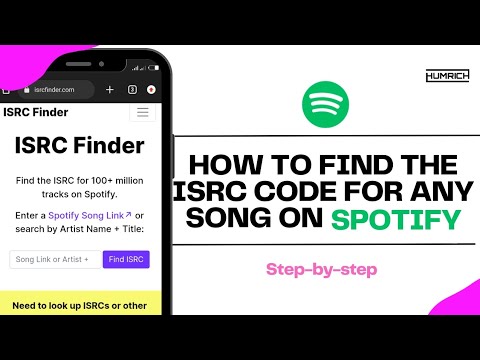
Step 1: Use ISRC Lookup Tools and Existing Artist Records
The most reliable place to obtain the original ISRC is the artist’s former distributor account, label delivery sheet, royalty statement, catalog spreadsheet, or other release record.
The International ISRC Database can assist with research, but it is not complete. IFPI explains that distributor-assigned data may not appear unless the distributor or rights owner submitted the repertoire to the underlying SoundExchange database. A failed search does not prove that a recording lacks an ISRC.
ISAN should not be used for this task. ISRC identifies sound recordings and music videos, while album products normally use identifiers such as UPC or EAN. A reissued album may receive a different UPC even when its unchanged tracks retain their existing ISRCs.
Record the following information:
Original ISRC for each track.
Original UPC or EAN, if available.
Exact artist and featured-artist names.
Track and album titles.
Original release date.
Previous label, copyright, and supplier information.
Step 2: Cross-Check the Recording, Not Just the Album Title
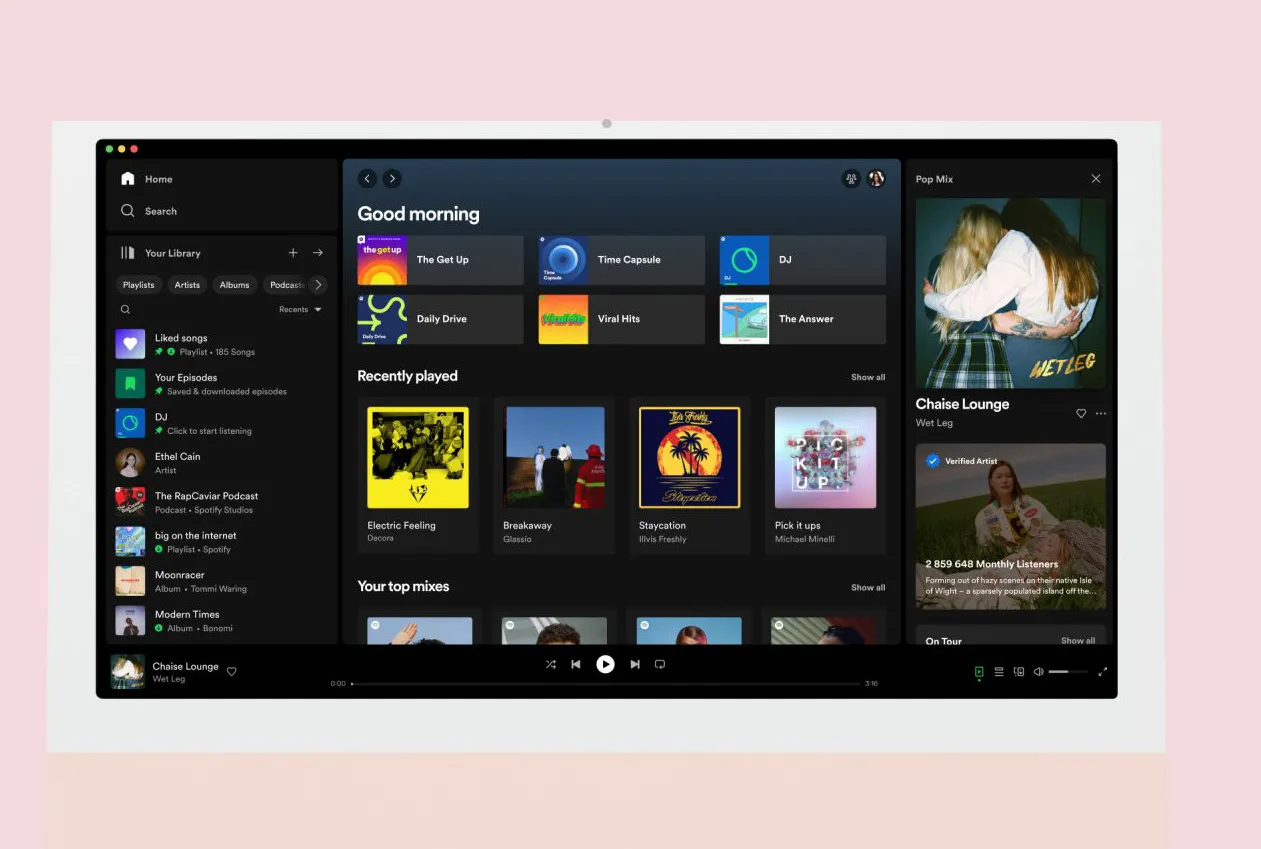
Spotify’s ordinary Credits panel is useful for identifying the metadata source, writers, producers, and other supplied credits, but Spotify’s official guidance does not state that every listener can retrieve the ISRC from this panel. Spotify directs users who need a metadata correction to contact the “data source” shown at the bottom of the music credits.
Artists should therefore compare the new distributor’s delivery record with the archived ISRC. Listeners without access to distributor records can compare the audio, duration, artist page, original release date, copyright line, and available public metadata.
A matching ISRC is strong evidence that the listing represents the same recording. It is not proof that the new distributor owns the recording rights. A distributor generally delivers music on behalf of an artist, label, or other rights holder.
Step 3: Inspect the ℗ and © Lines and the Spotify Data Source
The ℗ line identifies the party named as the owner or controller of the sound-recording copyright for that release. The © line normally concerns other copyrighted elements associated with the product, such as the compilation or artwork information supplied with the album.
These lines may name an artist or label rather than the distributor. Apple’s music-delivery specification treats the ℗ and © lines as copyright metadata fields; it does not define either line as a mandatory distributor field.
A phrase such as “under exclusive license to” or “distributed by” can reveal a distribution relationship when it is explicitly included. Otherwise, check the data source displayed in Spotify’s credits, the artist’s official announcement, the label catalog, or the new distributor’s dashboard.
Key Signs Confirming Your Album Has Successfully Shifted to a New Distributor
Visual IndicatorInterface AppearanceWhat It Actually IndicatesSpotify play count matchesThe replacement track shows the same count as the previous versionSpotify likely linked the two track deliveriesDuplicate or alternate release appearsTwo album listings temporarily coexistTwo suppliers may have active deliveries, but this does not confirm successful migrationSaved track becomes playableA previously unavailable playlist item plays againThe platform may have linked or substituted an available versionCredits data source changesSpotify lists another metadata supplierStrong evidence that a new label or distributor delivered the active versionA “1 More Release” or similar selector is not a universal migration status. Interface wording can change, and alternate versions may appear because of clean editions, deluxe editions, compilations, regional licenses, or duplicate deliveries.
Why Was Your Album Abruptly Removed From Distributors?
Annual Subscription Expiration
Removal policies depend on the distributor and plan. DistroKid states that releases can be removed after a subscription lapse unless the relevant release has its optional Leave a Legacy extra. DistroKid also says some releases removed after a failed renewal may be restored after the account payment is corrected.
TuneCore states that releases covered by applicable renewal plans may be removed when renewal fees are not paid. Re-releasing removed TuneCore content can require creating another release, while unchanged recordings may reuse their previous ISRCs.
Artists should check their own plan rather than assuming all distributors use the same retention policy.
Copyright Infringement Claims and Metadata Collisions
A release may be removed after a rights complaint, unauthorized sample claim, licensing dispute, incorrect ownership submission, or platform policy review.
Having two distributors deliver the same recording at the same time is not automatically infringement. Temporary overlap is commonly used during legitimate migration. However, conflicting ownership, territorial, release-date, or artist data can produce duplicate pages, incorrect artist mapping, or delivery disputes.
Artificial Streaming Flags and Botnet Activity
Spotify prohibits paid third-party services that guarantee streams. Confirmed artificial streaming can lead to adjusted public counts, withheld royalties, playlist removal, distributor action, or removal of repeatedly manipulated content. Spotify directs artists who believe the activity was genuine to provide evidence to their label or distributor for review.
A new distributor cannot necessarily restore content removed for a policy violation. CD Baby warns that stores may reject a new delivery when the content was previously removed and that distributor switching does not override earlier enforcement.
Secrets to Switching Distributors Without Losing Stream Counts and Playlist Placements
A more accurate rule is:
[Existing ISRC] + [Same Audio] + [Closely Matching Metadata] = Best Chance of Track Linking
It is not a guarantee of complete data preservation.
Strict Metadata “Twin” Rules
ISRC Code: Reuse the existing ISRC only when the recording is genuinely unchanged. IFPI states that an ISRC remains with the same recording across formats and licensing arrangements. A materially different recording, such as a new live performance or acoustic version, normally requires another ISRC.
Track & Album Titles: Preserve the original title, version information, spelling, and punctuation where possible. Spotify specifically lists title, artist name, duration, audio, and metadata as factors in track-linking.
Artist Names & Roles: Retain the same primary and featured-artist identities and ensure the new distributor maps the delivery to the correct artist profiles.
Audio File Specifications: Use the same master audio. There is no published universal rule allowing a difference of up to two seconds. Spotify says duration and audio should match; DistroKid advises using the same audio file.
Cover Artwork: Follow the new distributor’s artwork specifications. Reusing the same cover can reduce listener confusion, but Spotify’s track-linking guidance does not identify identical artwork as a requirement for preserving a track’s play count.
UPC: Ask the new distributor whether the original release UPC can be entered. Distributor policies differ. A different UPC does not necessarily prevent track-level matching when the same recordings retain their ISRCs.
The Overlap Strategy to Prevent Takedown Gaps
Step 1: Deliver the release through the new distributor using the existing ISRCs, original audio, and matching metadata.
Step 2: Allow enough processing time for the new delivery to appear on each required service. Delivery times vary, so there is no universal two-to-three-week period.
Step 3: On Spotify desktop, compare the play count of the new delivery with the existing track. Spotify states that matching counts indicate successful track-linking.
Step 4: Confirm correct artist mapping, playback, credits, territories, and release date. Then request removal through the previous distributor.
DistroKid and CD Baby both recommend placing the new delivery live before removing the old one. A brief duplicate period may occur, and neither company guarantees that every service will retain playlists or historical data.
Checking whether an album has moved to another distributor requires more than finding the same title online. Compare the original ISRCs, active recording, Spotify play counts, data source, copyright lines, and official artist or label records.
Core Takeaway for Artists: Keep an independent catalog archive containing every ISRC, UPC, original master, artwork file, release date, artist identifier, store URL, and distributor delivery report. During a migration, deliver the matching version first, verify that it is active and correctly linked, and only then remove the previous delivery.